LLMs can now actually kinda do OpenSCAD
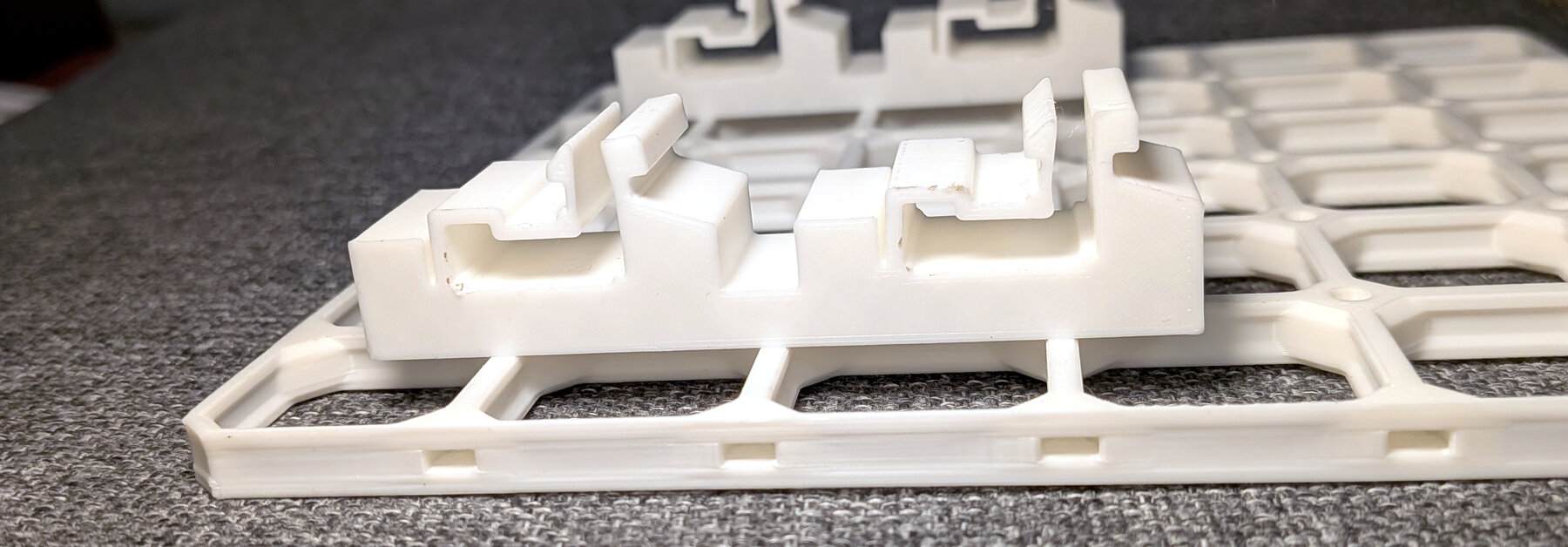
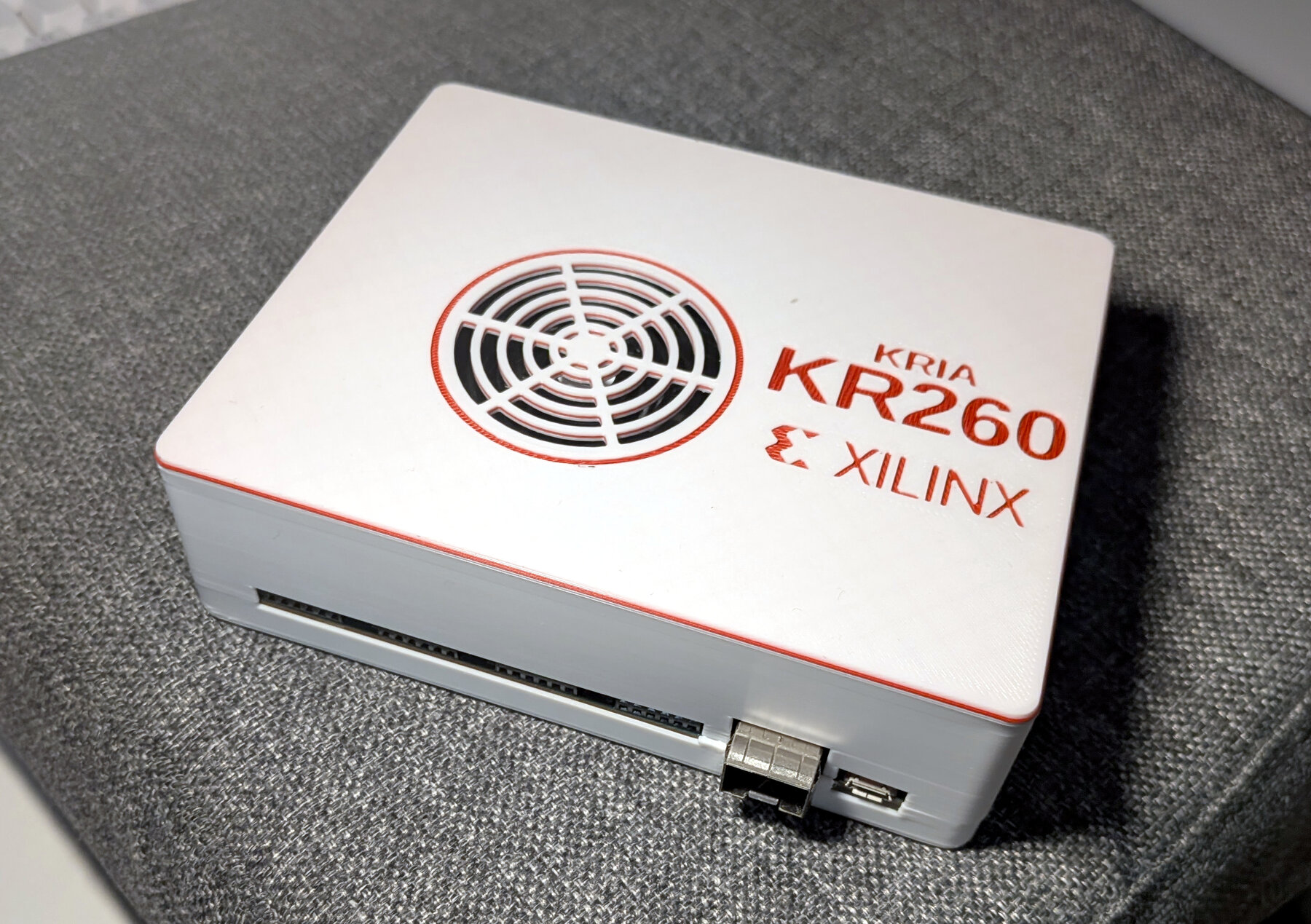
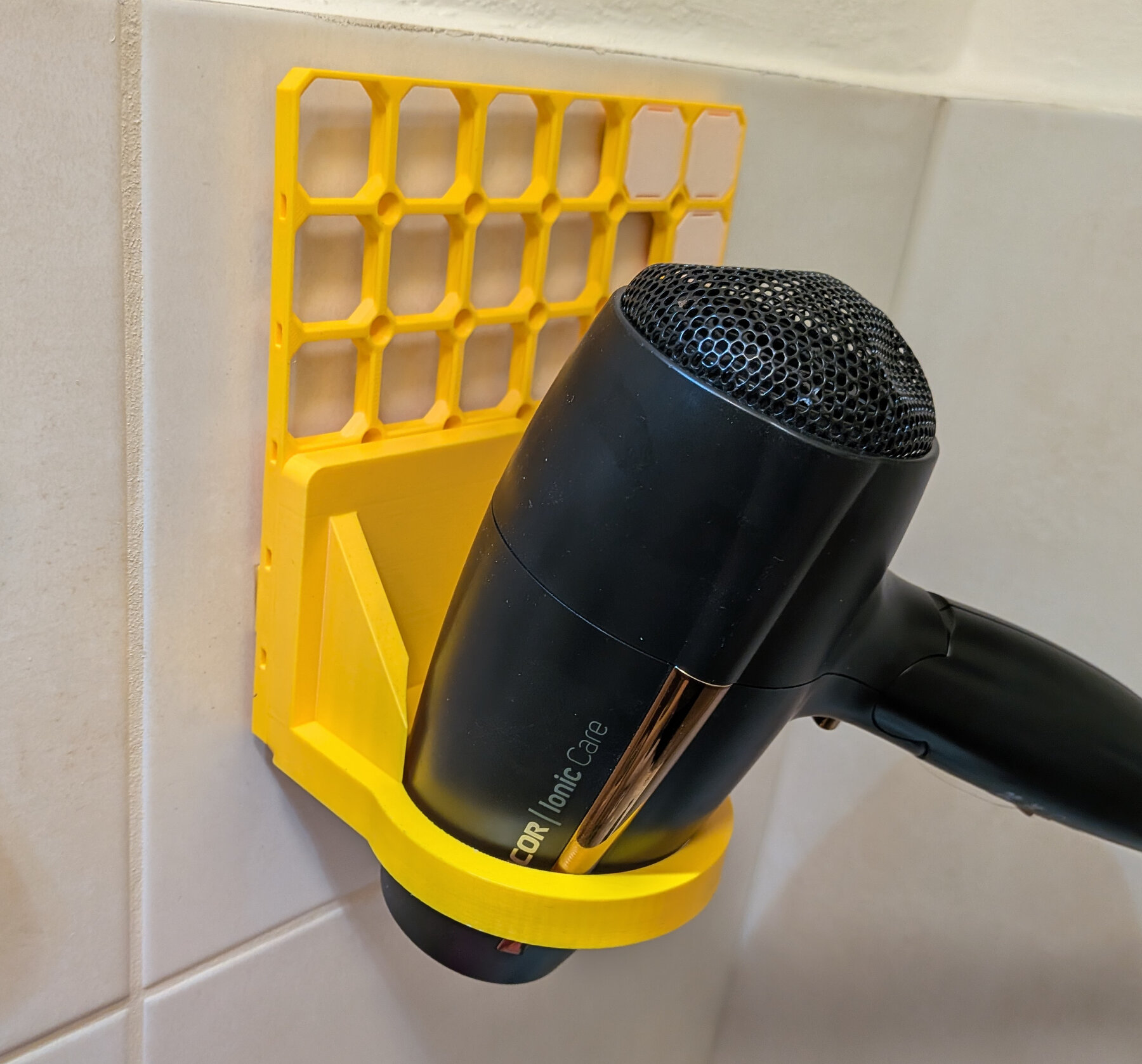
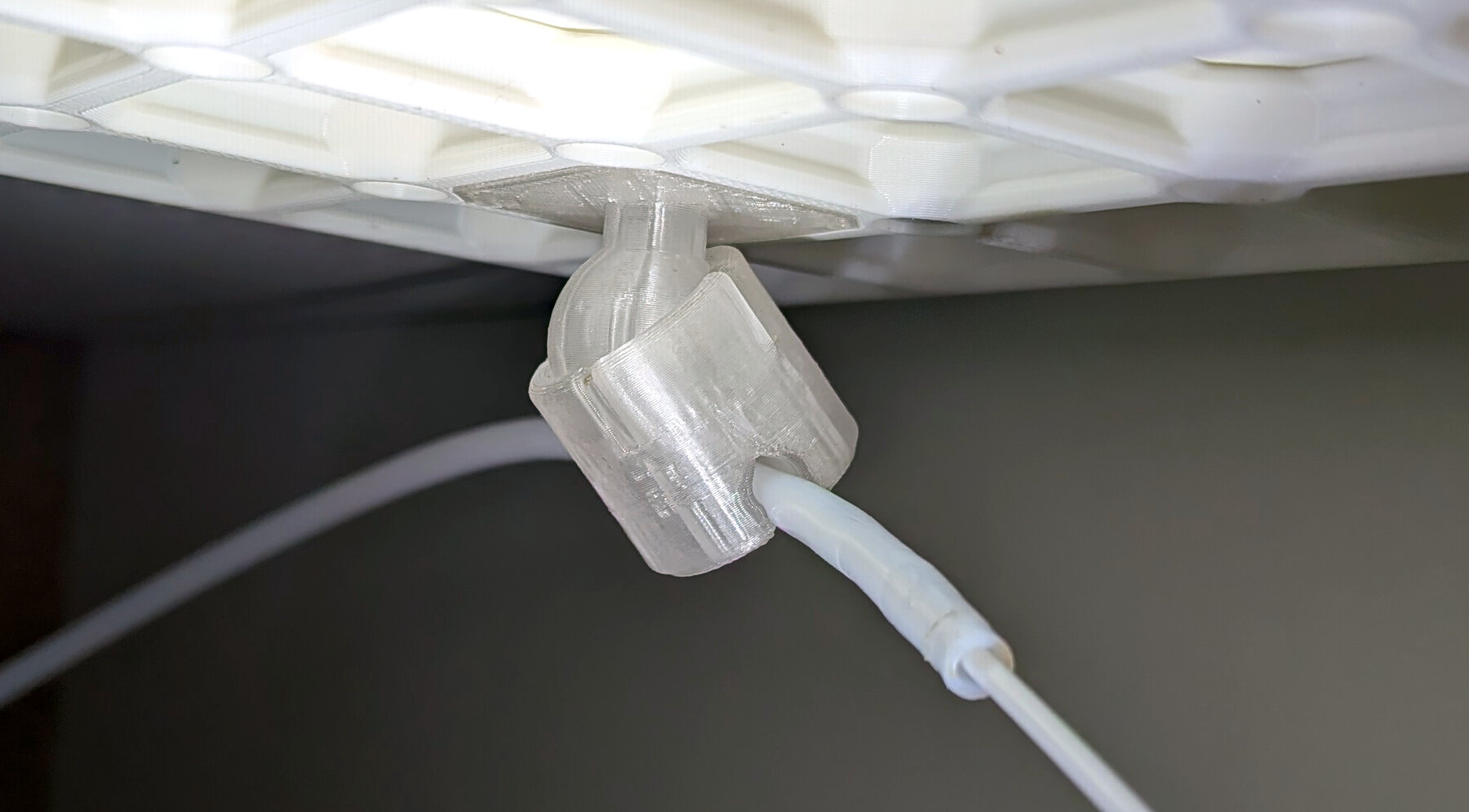
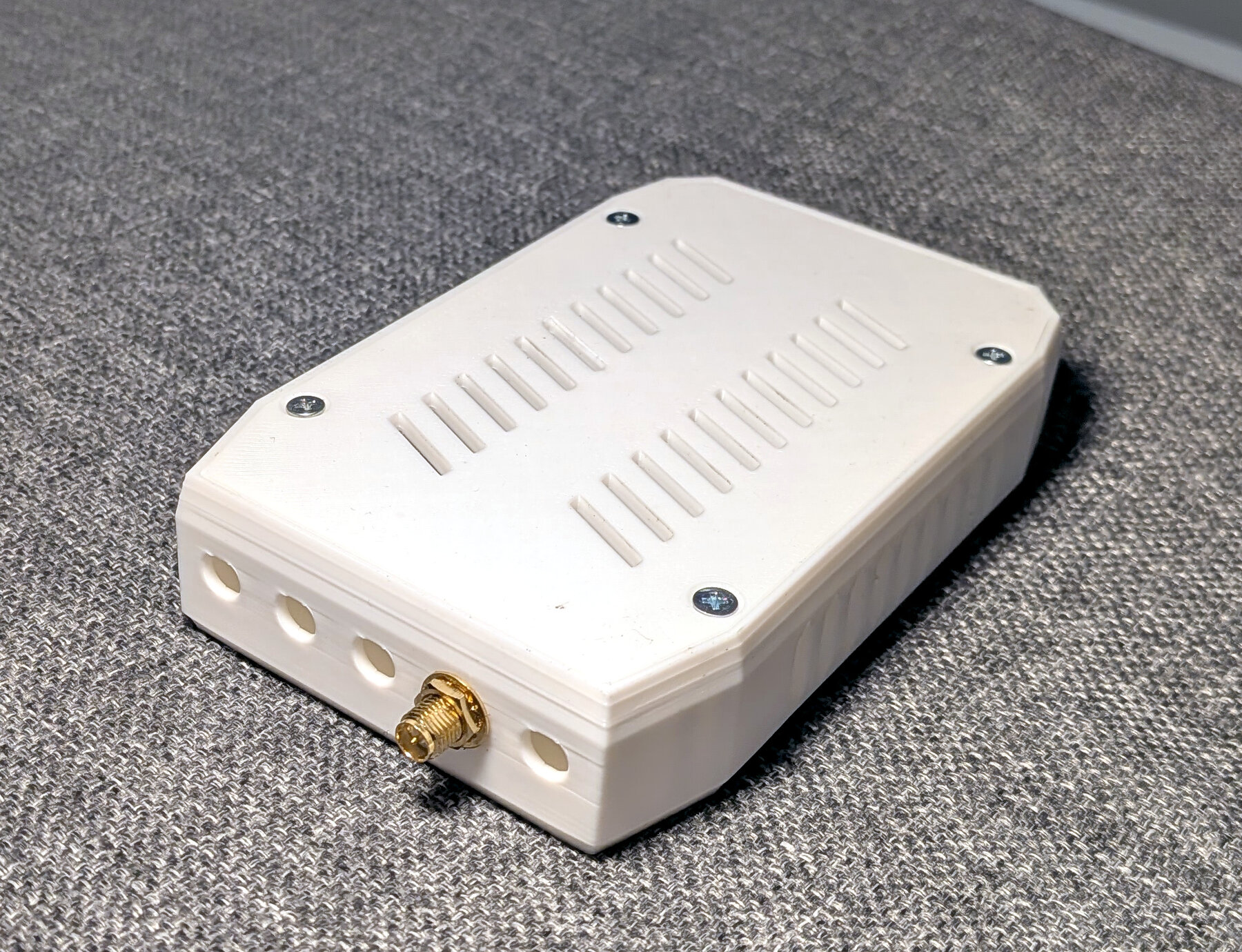
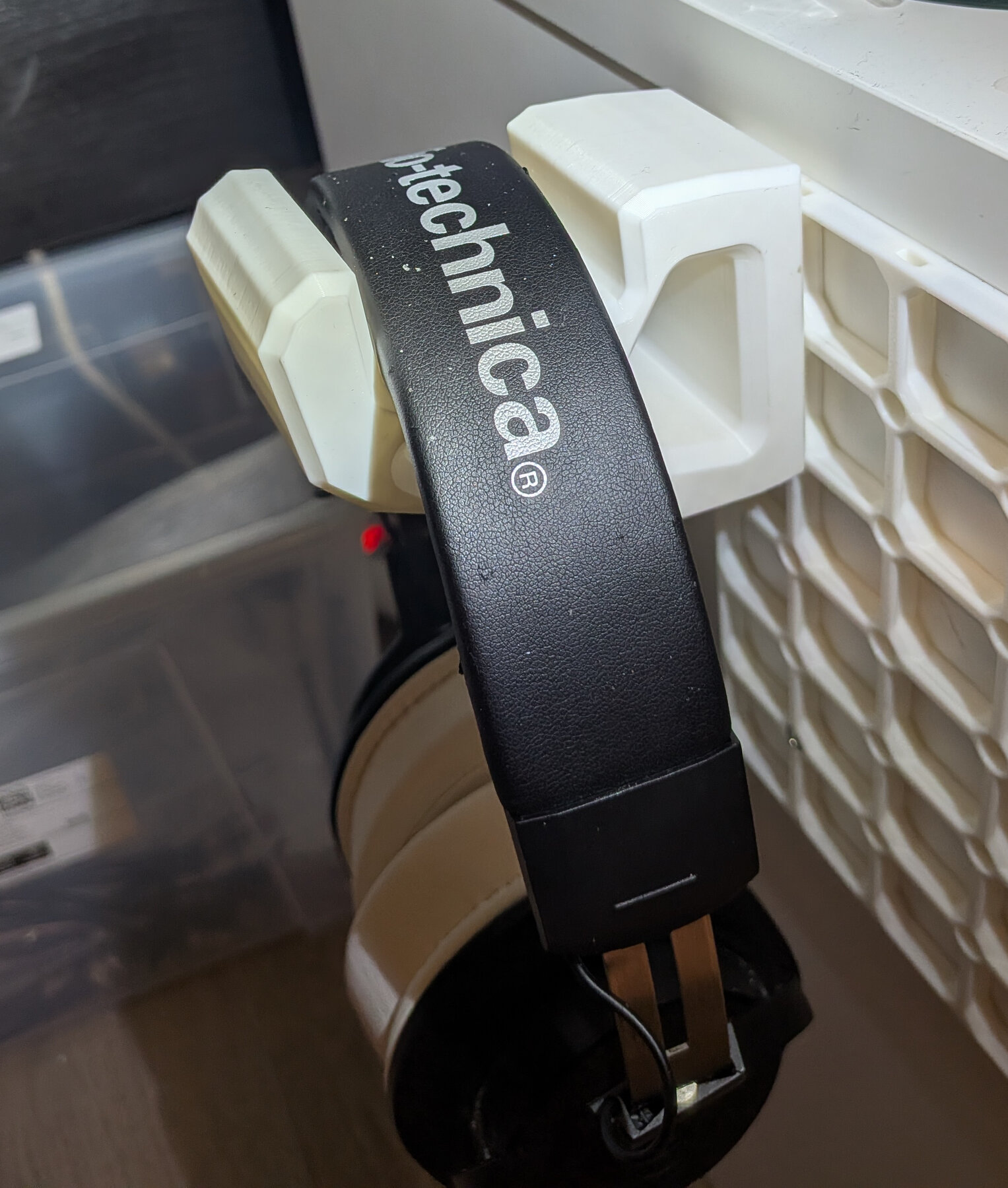
The 3D prints on these pictures have one thing in common: they were modeled in OpenSCAD by an LLM. I have vibe-modeled every one of them without ever looking at the code at all, just going by the resulting 3D model.
Some time ago, I did an OpenSCAD benchmark for LLMs. The results were impractically useless. After learning that the recent crop of models has fairly good visual abilities, I decided to play with it again and possibly re-run the benchmark. After a bit of experimenting both with Fable 5.1 and gpt-6-astra, it became pretty clear there is no need to re-run the benchmark. It would have been saturated.
No need for any special harness or skill or anything. Just open up claude
or codex and type in something like:
Your job will be to use OpenSCAD to design a nice case for my KR260 devkit. You are going to start by exploring the 3D model of the board available as a step file in this directory (probably use FreeCAD python library or something to render/convert to stl etc). Then, you are going to do some grilling of me by asking me questions about what I want from the case and what are the options etc, resolving the design decision tree until we converge on a design. Then, you are going to use OpenSCAD to cook up the case, suitable for easy 3D printing. Random facts:
   * I need the entire face with the PMODS accessible, as I often connect big multi-pmod boards there. If you put a wall there the connectors have to have enough space for a standard 2.54mm header shroud to go into them and the wall should be max 1mm thick. The gap between the PMODs should not have a wall, the hole should be a single long slot (so probably top side from lid, bottom from bottom)
   * I have threaded inserts, feel free to snag the design parameters from ../slatwall/simple_adapter.scad . Those should be used at least for the four attachment points of the KR260 board
   * the fan should not be obstructed, make it into the design in some way
   * I expect the design to be composed from two pieces, that are then somehow joined together. It has to be easy to take apart if I need to pull the board out. If you need more than two pieces, feel free to use more.
   * make it stylish but manufacturable and practical, form follows function
   * you have BOSL2 available in ../BOSL2 and you are encouraged to use it
   * printed from PLA on a single-color printer. I can do white + a layer swap for red for a few layers if you want to add logos or lettering etc.
Let's go and dont be afraid to ask questions
And get a pretty reasonable result on the first try. What is even more important, the model*Large Language or OpenSCAD? :) can actually be steered pretty well by vague instructions such as "make the lid slot into the base instead of overlapping the walls".
It's also interesting to watch the models tackling the task. Compared to humans, their visual-action feedback loop is much slower, but it's clear the ability to write reasonable OpenSCAD without looking at intermediates is superior to humans (well, at least this human), needing just a few turns of feedback to converge on a good result.
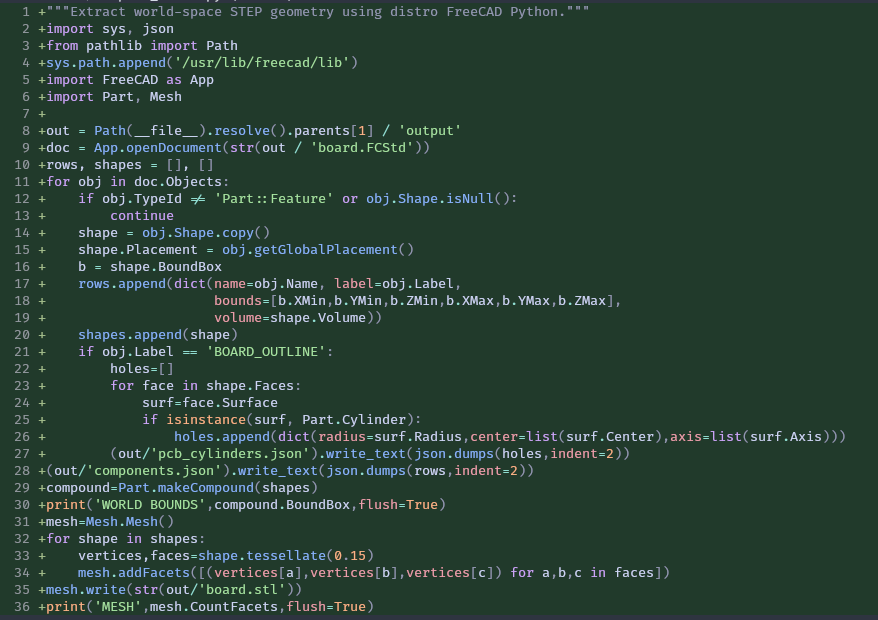
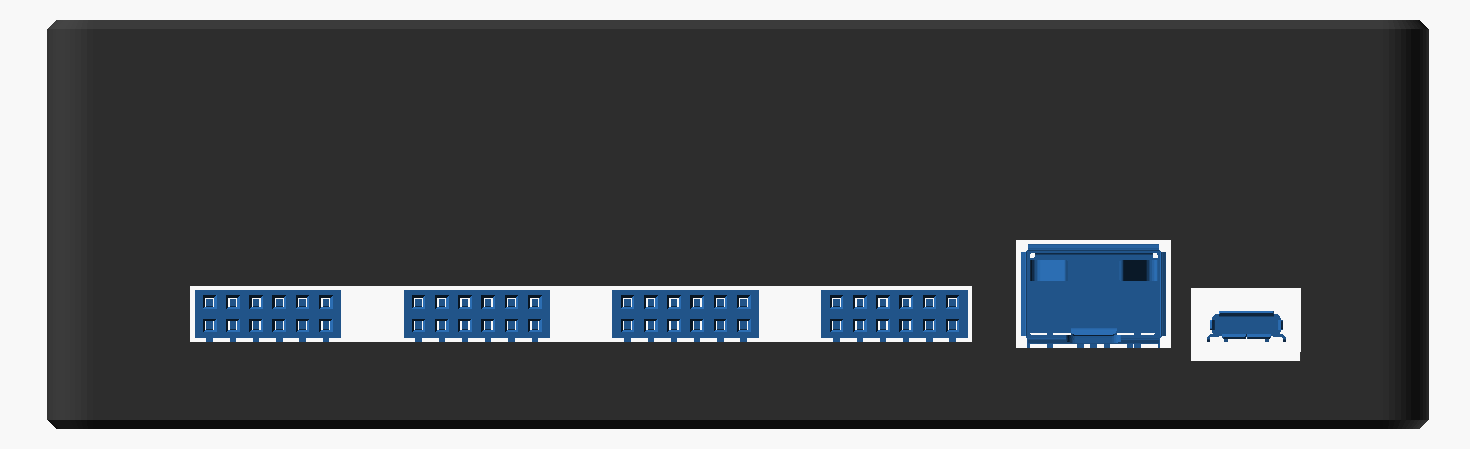
The models will absolutely tear through a step file, extracting the necessary geometry, then render intermediates, slices and previews, checking mesh collision programmatically and then fixing the design if something is wrong. Again, pretty easy to get what you want just by describing it vaguely like "render the PMOD-side of the enclosure but slice away the other side so that it is easy to check connector fit".
In terms of model capabilities, I found gpt-6-astra to be slightly more capable than Fable 5.1, but the difference is not qualitative. On the 20€ GPT subscription, I find that a single 3D model of the complexity above consumes approximately one of the 5-hour limits (on medium).
Sometimes, the models make funny mistakes. For example, Fable on the KR260 case mirrored the lid when preparing the output STLs, because, well, obviously I am supposed to print it the top side down on the 3D printer right... Hopefully this is not going to happen to a biology lab.
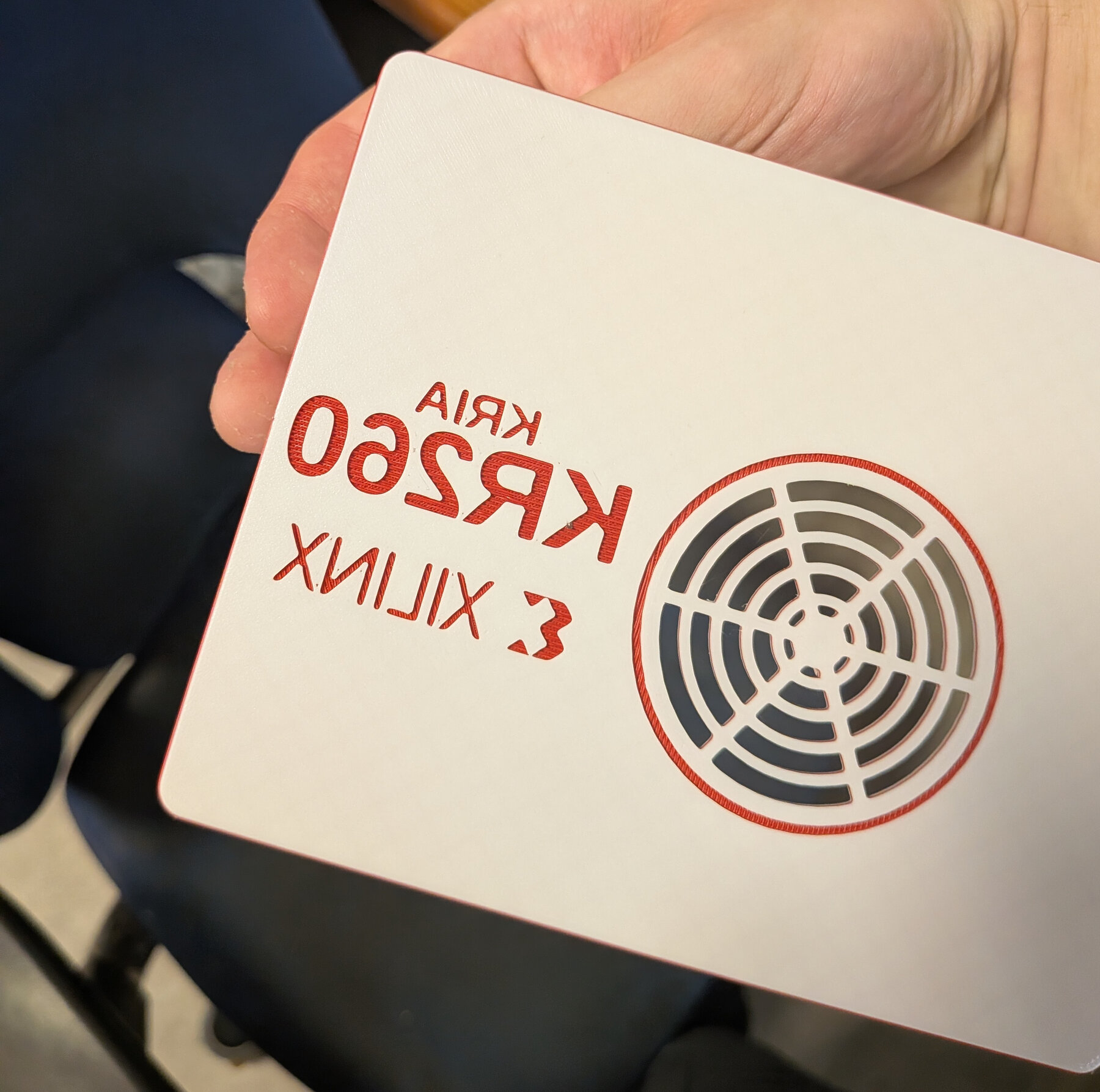
Yes, it is mirrored, and that's a real bug, not the view. The print orientation uses mirror([0,0,1]), which is a reflection, not a flip.